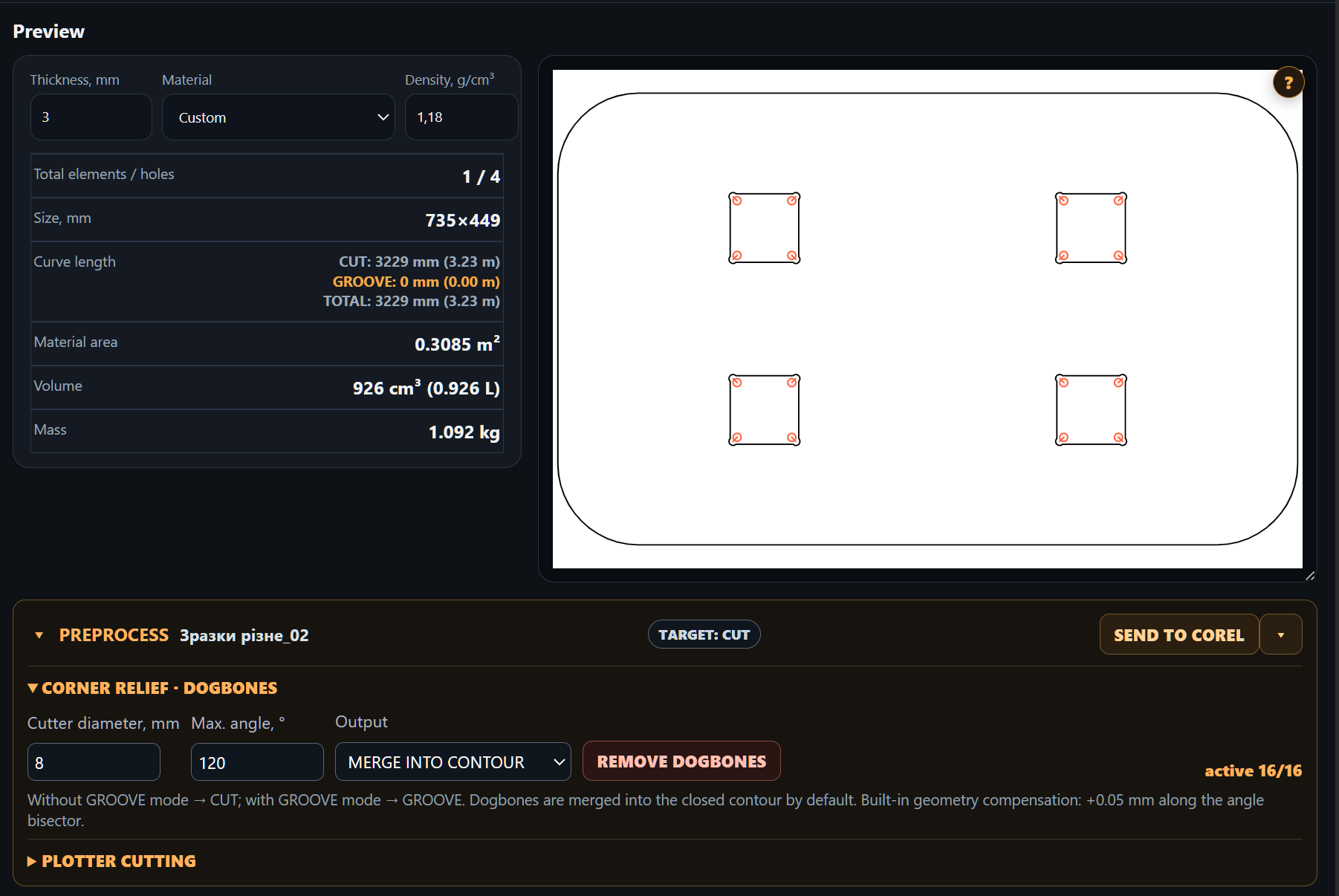
Dogbone corner relief
Set router diameter and the angle threshold. Corner relief cuts help prepare internal corners for joining parts.


Prepare vector parts before nesting: add router corner relief, mounting holes or weeding frames for plotter and vinyl cutting. Work with CorelDRAW artwork or SVG / DXF files.
Review imported contours and letter grouping.
Open preprocessing and set the parameters for your operation.
Check dogbones, holes or frames before nesting.
Nest the prepared parts and export to CorelDRAW or SVG / DXF.
Set router diameter and the angle threshold. Corner relief cuts help prepare internal corners for joining parts.
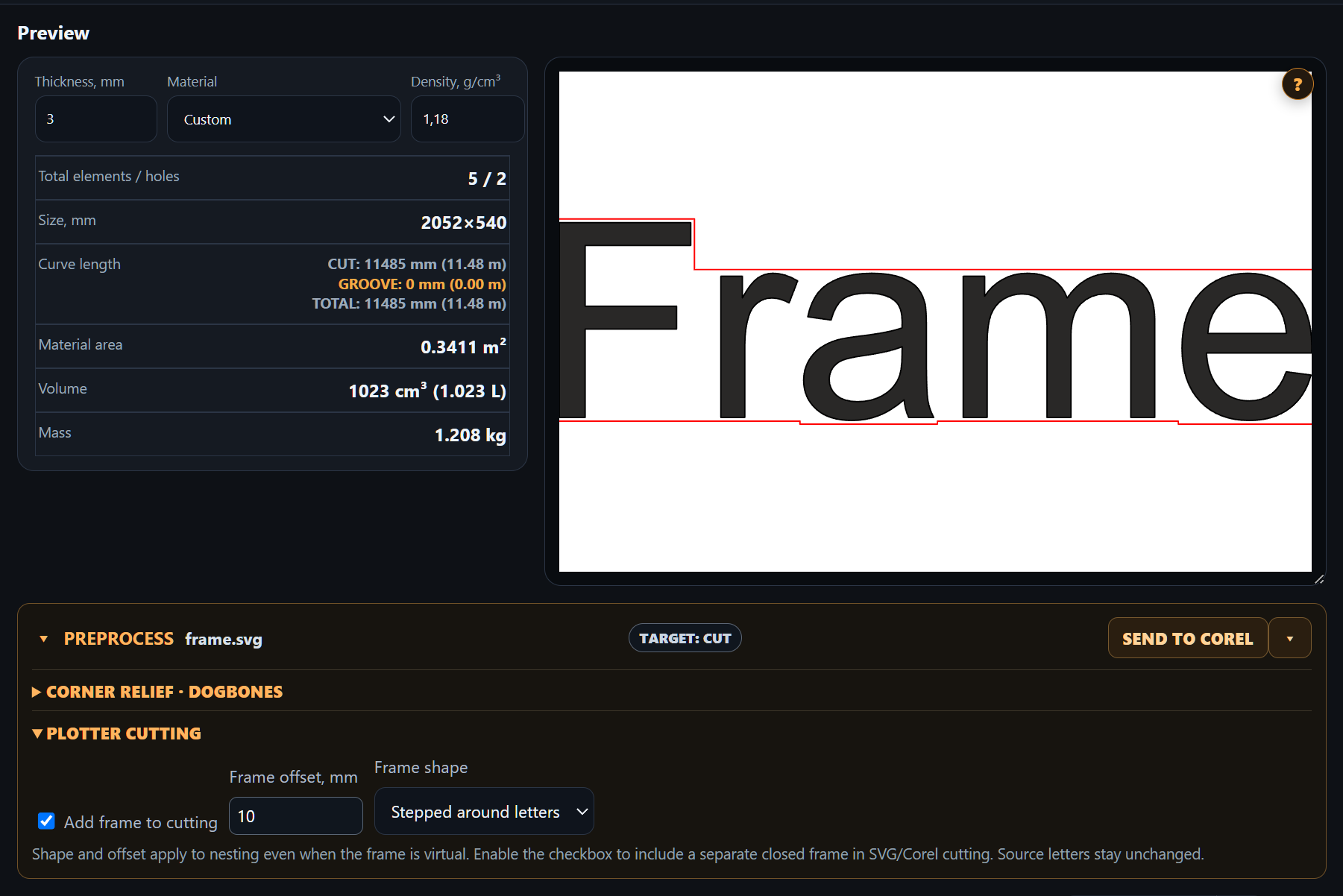
Create rectangular or stepped weeding frames around grouped words with a chosen margin. These are separate closed cutting contours exported with the letters.
Input groups determine which letters belong to a word. Each copy receives its own frame; original letters and internal holes are preserved.
Router corner relief uses the cutter diameter to prepare the internal corners of holes. Merge the dogbones into the contour before nesting and exporting to CorelDRAW or SVG / DXF.
A stepped frame around grouped letters with a chosen offset. The frame is added as a separate closed cutting contour; the original letter contours stay unchanged.
No. It prepares vector contours. Submit jobs and configure the plotter in your cutting software.
Rectangular or stepped based on letter bounds, rather than a smooth offset around the lettering silhouette.
Group its letters in the source artwork and enable input grouping for that source.