🧩
Smart nesting
Automatic part placement focused on maximizing material utilization.


Nest letters and vector parts, and prepare cutting and V-groove contours for ACP boxes. Work with CorelDRAW objects or SVG files.
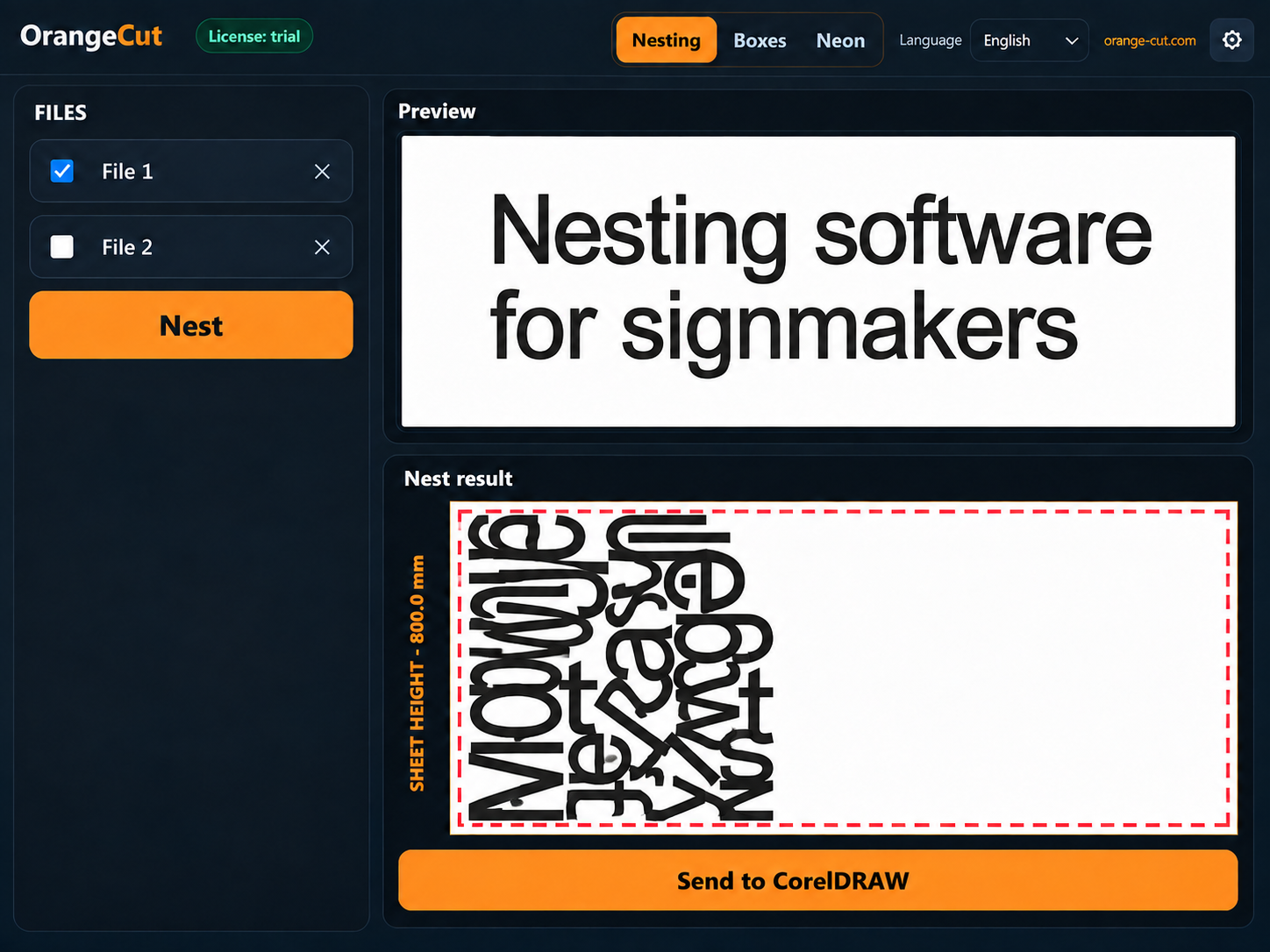
Automatic part placement focused on maximizing material utilization.
Reduce waste and get more useful area from every sheet.
Prepare composite boxes with cut contours, V-grooves, bends and mounting holes.
Create contours and prepare production files for illuminated lettering.
Import, optimize, review and export in one streamlined workflow.
SVG or geometry from CorelDRAW.
OrangeCut searches for a compact arrangement of parts.
Use the finished result in your production workflow.
Start with the file you already use: SVG or selected objects from CorelDRAW.
Import a vector file, check its contours, set the material and part spacing, then export the result.
Send selected objects to Orange Cut, configure nesting, and return the result to CorelDRAW.
Short guides for getting started. Nesting, corner relief, and composite box videos are available above.
Copy the Device ID in the app, enter it with your email on the license page, confirm the code from the email, and install the resulting .lic file.
Open the license page ↗Check the part count and contour warnings, set the material, and run nesting.
Select objects in CorelDRAW, send them to Orange Cut, and return the finished result.
An open CUT contour must be fixed in the source file. Ignoring it is for estimation only.
A video guide to the app settings.
Watch on YouTube ↗The free trial requires the Windows app and a 30-day license for your Device ID.
We are still finalizing payment methods and commercial license terms. A 30-day trial is available for now.
Get a trial license ↗