When this workflow helps
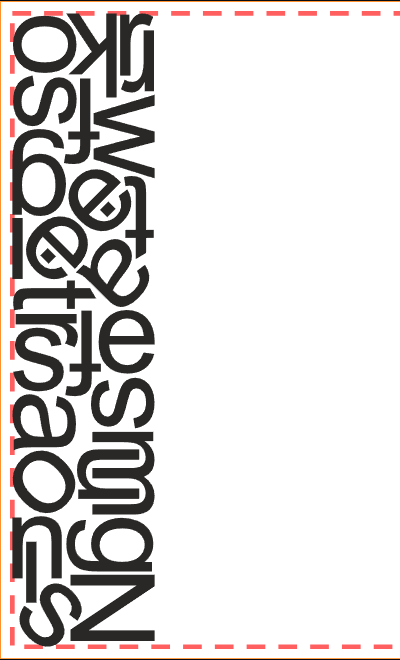
Use it to place mixed lettering, logos and vector shapes on acrylic, plastic or other sheet materials. Set the nesting conditions and review the result instead of dragging each part into position by hand.


For signmakers who prepare artwork in CorelDRAW. Send selected letters, logos and vector parts to Orange Cut, nest them on a sheet and return the finished layout to your document.
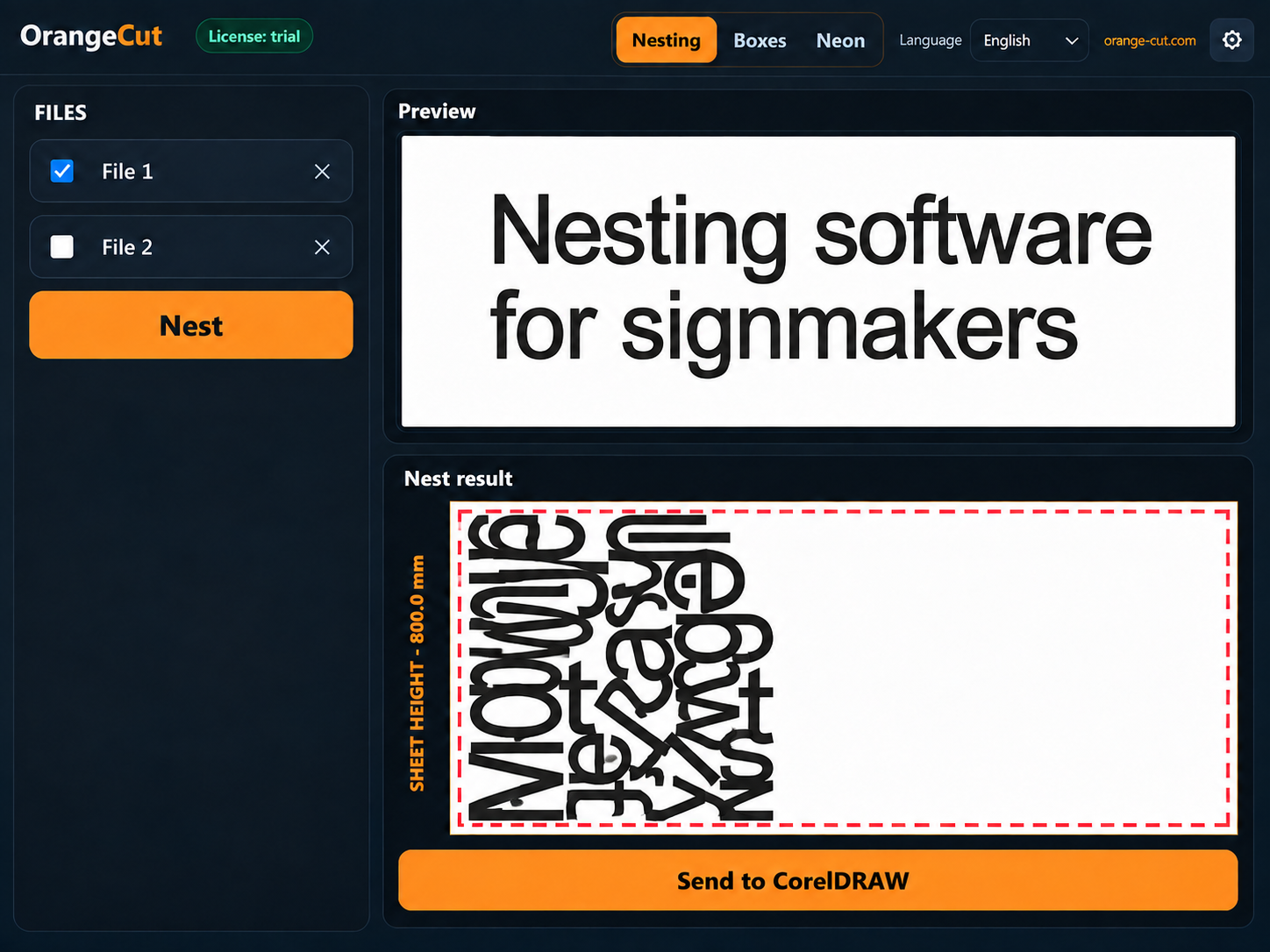
Prepare your vector lettering or part contours and select the objects to nest. Cutting contours must be closed, and internal holes must remain part of the corresponding shape.
Use the CorelDRAW integration. Check the imported shapes, part count and geometry warnings in the preview.
Enter the material dimensions, edge margin and spacing between parts. Choose the available rotation rules and start the nesting search.
Review the placement, then send the result back to CorelDRAW. Continue preparing the artwork for production in your usual workflow.
Use it to place mixed lettering, logos and vector shapes on acrylic, plastic or other sheet materials. Set the nesting conditions and review the result instead of dragging each part into position by hand.
Nesting considers the shape of your parts. Placing smaller parts inside internal holes can use additional sheet area; enable this option and review the result on your own artwork.
CorelDRAW is convenient when your artwork is already open there. If you work with an SVG file, import it directly into Orange Cut and export the resulting layout as SVG.
CorelDRAW X3 and X6–2026 have been tested. X4–X5 have not been tested. Tested operating systems: Windows 7, 10 and 11 (x64). Separate Windows 7 and Windows 10/11 installers are available on the downloads page.
This workflow requires CorelDRAW and the installed Orange Cut integration. The SVG nesting workflow does not require CorelDRAW.
Fix the cutting contour in the source artwork and send it again. The preview and geometry checks help identify issues before exporting a production result.
Install Orange Cut, copy the Device ID from the license settings, verify your email on the license page and import the resulting .lic file. The trial lasts 30 days.